Sky Productivity Suite: the collaboration suite that stays in Tunisia
Microsoft and Google build very good products. That was never the question. A Tunisian company whose correspondence lives on a foreign server has placed that correspondence under foreign law, where it can be compelled without anyone in Tunis being told. That is the whole subject.
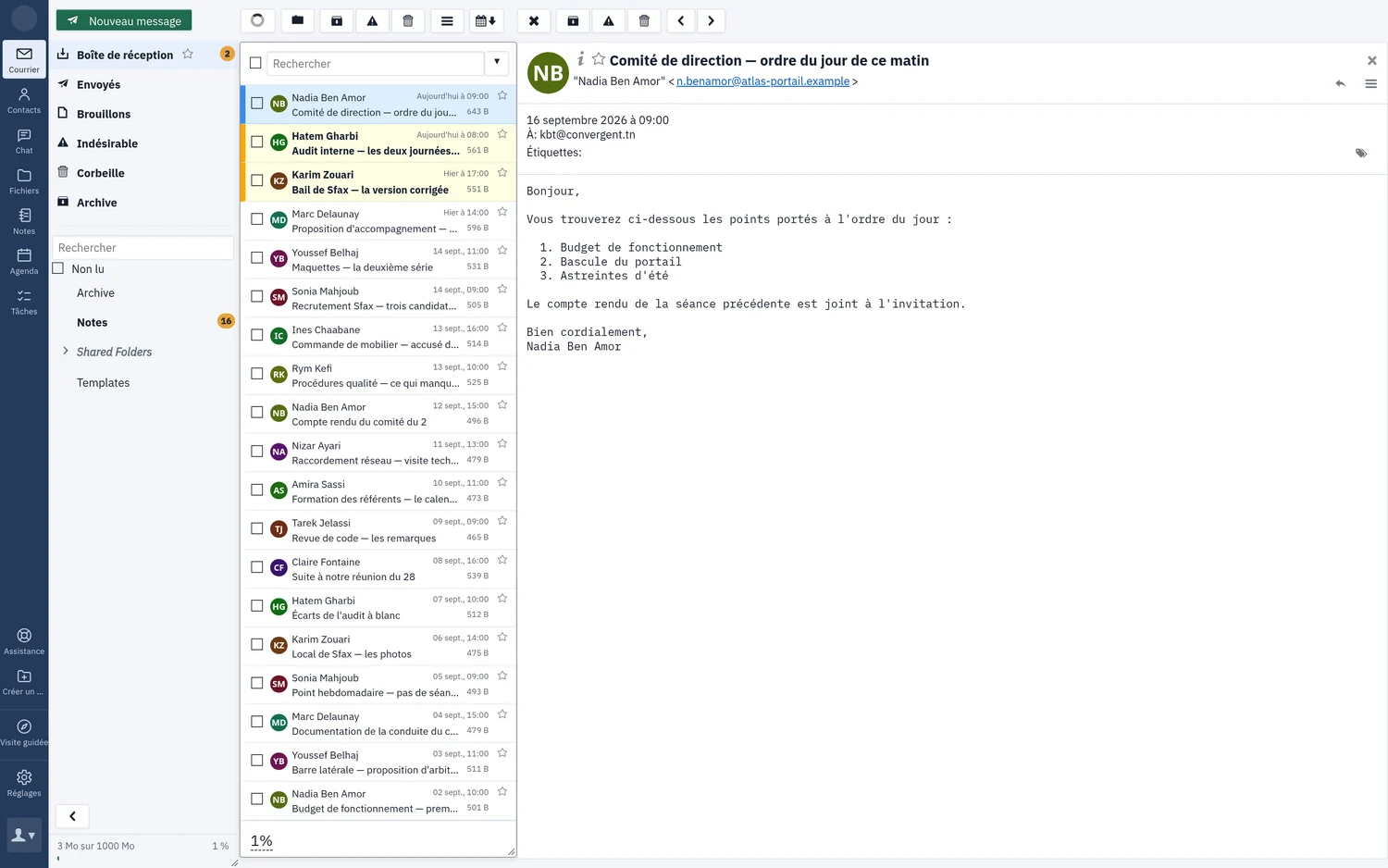
Sky Productivity Suite brings mail, calendars, contacts, tasks, notes, files and instant messaging into a single window, on infrastructure we operate here. What follows describes only what is in service on the platform — not a roadmap.
What it replaces
Exchange and Microsoft 365 on one side, Gmail and Workspace on the other, and around them Teams, Meet, Zoom, Slack, OneDrive, Drive, Dropbox — which in most companies means five contracts, five invoices, five passwords, and on the day something breaks, five numbers to call.
Here: one account, one contract, one person to talk to, in Tunis. This is not only an invoicing matter — it is one less thing to administer, and one less dependency on the day one of the five rewrites its terms.
What “hosted in Tunisia” actually means
Three facts, not a slogan.
A single jurisdiction. Your data is hosted in Tunisia, by a Tunisian operator, and the contract is concluded in Tunisia. Your messages sit on servers located on Tunisian soil and fall under Tunisian law.
An open, auditable foundation. We operate, configure and extend infrastructure engines proven at a scale far beyond our own; this is not software we wrote for you. Your IT director — or your auditor — can examine what actually runs, and no feature list substitutes for that. The conformance of our chat service to the open specifications can be checked from an independent testing service, without asking us.
We do not name our components in a commercial document: a third party’s robustness is not ours to claim, and a list of what runs informs an attacker as readily as a buyer. Your IT director gets that list as a technical annex, on request, with versions and public references so it can be verified.
What we say about administration, and what we do not. No administration tool gives access to the contents of a mailbox — not on your side, not on ours. We will not, however, pretend that an infrastructure operator is blind: a system administrator has the machine and the backups, here as everywhere else, and anyone claiming otherwise is either lying or mistaken. What can be controlled is the tooling, the contract and the jurisdiction.
One guarantee we are asked for often: a released address stays reserved for five years. The address you gave your bank is not handed to someone else the following year.
What your teams actually hold on day one
Not a catalogue. Five things worth telling, which is where most of a working day goes.
Finding a time that suits everyone. Add the guests and the day appears with each person’s busy slots; the system proposes the hours when everyone is free — without revealing what any appointment is about, since the server only ever says “busy”. Working hours are declared morning and afternoon, day by day, so nobody is offered a meeting over lunch. And a room is invited exactly like a person: it answers by itself within a minute or two, and a refusal says why — already booked, outside opening hours, too far ahead. This is the feature so many companies still pay Exchange for.
A message that becomes a meeting, or a task. Most of what a team has to do arrives by email; the expensive part is not deciding it, it is retyping it. The title and body come from the message, and so does the date when the message gives one — when it does not, the form says so in plain words rather than inventing a date that would look right. It is the calendar’s own form, not a side window: inviting people, booking a room, setting a reminder work exactly as they do elsewhere.
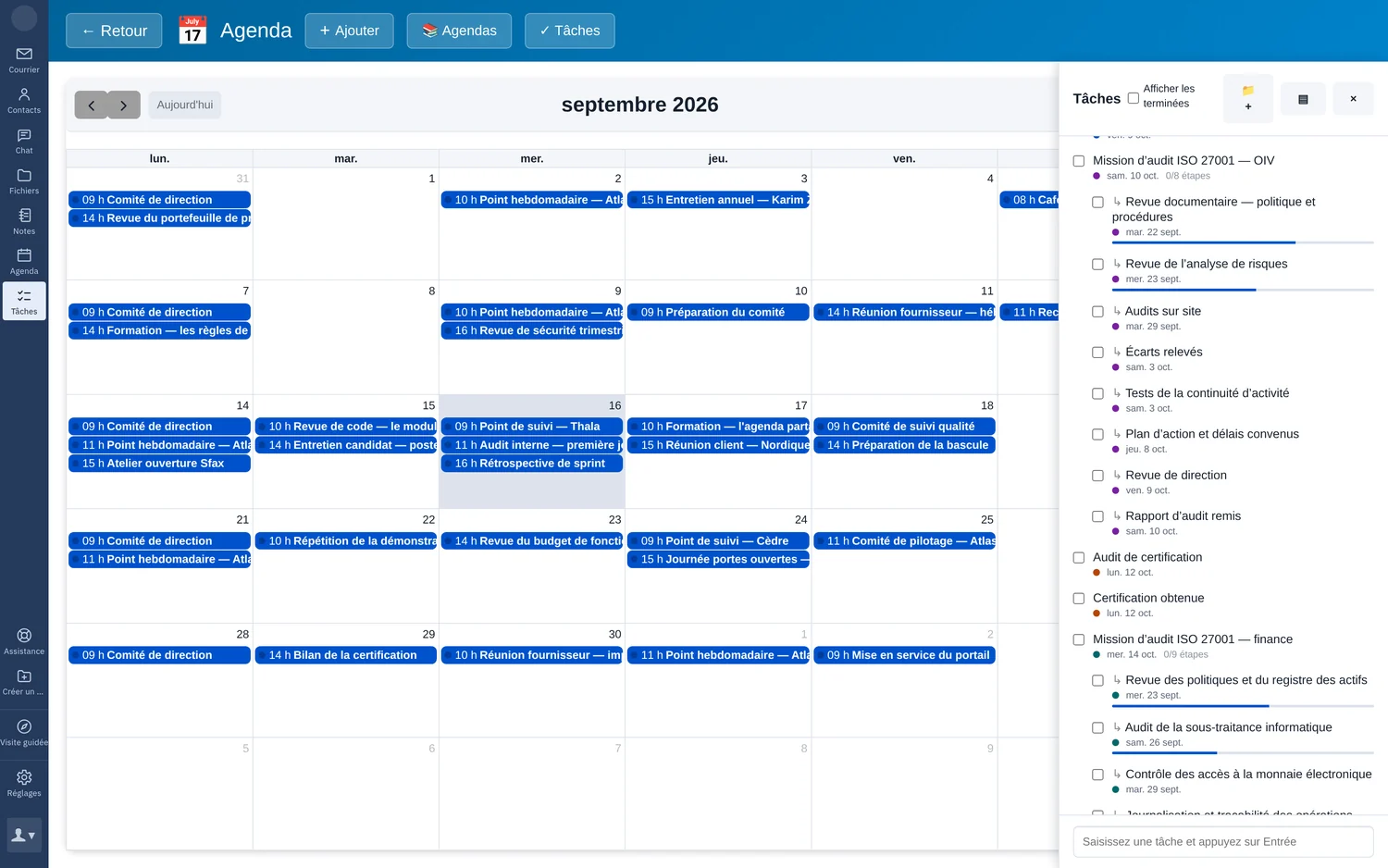
Project tasks that declare what they are waiting on. “This one starts when that one ends” — and the link is written in the open, standardised calendar format, not in a database that belongs to us. A timeline is drawn from those links, milestones are dates that do not last, and two tasks waiting on each other are refused as you type them: an impossible plan surfaces the moment it is written, not three weeks later in front of a steering committee.
Talking to a colleague without writing an email. Instant messaging opens in the same window, on the same account, and your colleague list is already there, built from the company directory — nobody to add, nobody to accept. A joiner or a leaver is a single action, and both accesses follow. End-to-end encryption is available for the conversations that call for it: the server then carries without being able to read.
The space left, spelled out. At the bottom of the folder list, a labelled bar — “836 MB of 1000 MB”, 84 %, and a colour that shifts as the limit approaches. Nobody discovers their mailbox is full by noticing that a message never arrived.
Alongside these: notes, stored inside the mailbox itself and therefore covered by the same quotas, the same backups and the same sharing as mail; and the account’s file space, reachable from the webmail and from the desktop’s own file explorer, where a document opens in the browser to be read and shared without being downloaded. Nothing lands on the machine, so nothing lingers on it.
A word on video, because it is better said here than at your first six-person meeting. A one-to-one audio or video call is included, and it is end-to-end encrypted: nobody in between can listen in, ourselves included. A meeting with several people needs a bridge that mixes the streams; we install one dedicated to your organisation alone, sized for your usage, in Tunisia like the rest — that is a quotation line, not a checkbox. Video traffic grows with actual use rather than with headcount, and burying it in a per-mailbox price would produce a false price.
The server speaks the language your devices already know
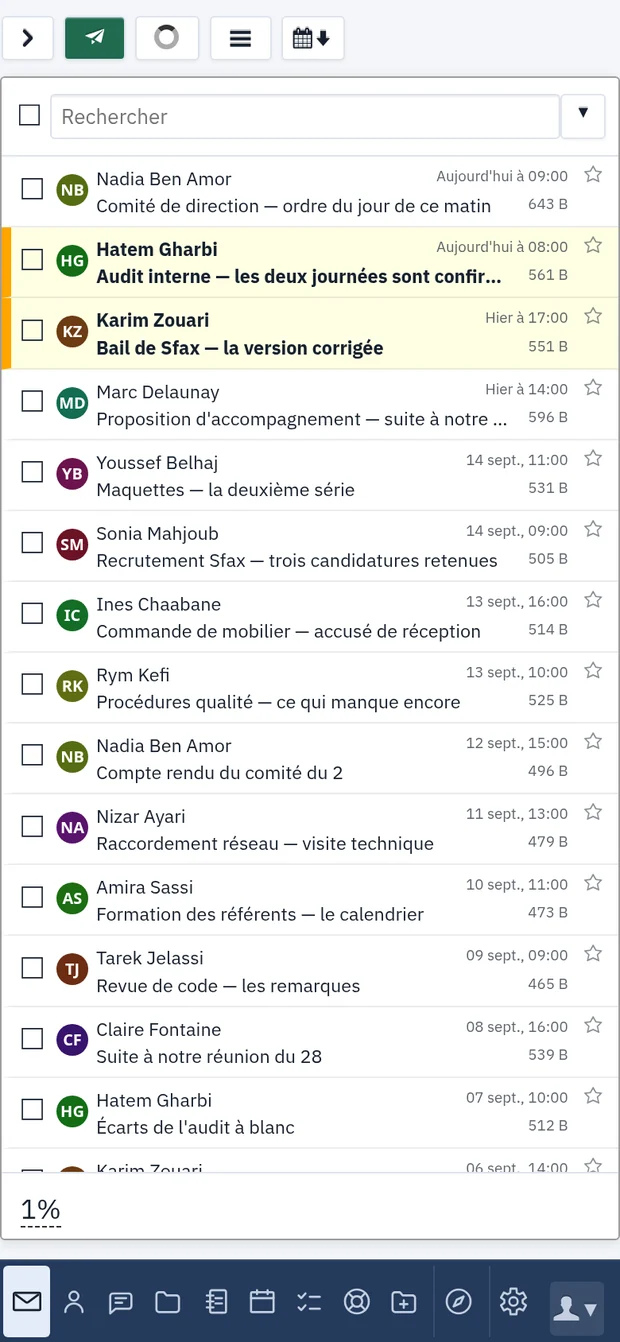
The webmail opens in a browser with nothing to install. The software and phones already in place connect with standard settings — IMAP for mail, CalDAV for calendars, CardDAV for contacts, XMPP for chat. A new machine is working in minutes, with no rollout project, and a phone picks up the company address book without going through a Google or Apple account.
One exception, which we would rather state up front: on Outlook for Windows, mail connects on its own, while calendars and contacts go through an add-in. We look at that point with you before any cutover, not after.
The migration
The real obstacle to changing provider is not price: it is the fear of losing ten years of correspondence, or of disrupting the teams for a week.
The copy runs while the old mail system is still in service. Mailboxes are copied as they are from Google, Microsoft or a cPanel host — folder tree, read and unread state included. The cutover is decided when everything has been checked, not when the copy starts.
For every mailbox we record the message count before and after, folder by folder. Any discrepancy is explained to you before the cutover, not after. The results of those checks are handed to you, not merely promised.
And on references we will invent nothing: the first migration was our own. The log is public, incidents included. The addresses themselves do not change — nobody has to warn their customers.
Reversibility
What goes in comes out, in the same open formats. This is not a contract clause that could be rewritten later: it is a property of the protocols in use. Mail leaves over IMAP; calendars and tasks — dependencies included — in the standard calendaring format; contacts in the standard address-book format. There is no lock on the exit. Staying has to be a choice.
Where to start
Thirty minutes, with your latest invoice in front of you. We do not open with our price: on its own it means nothing. We start with what you pay today, per seat per month, in foreign currency — and with what doing nothing costs. A migration is prepared before an annual renewal, not after.
Looking at an exit from Microsoft 365 or Google Workspace, or simply want to know what your correspondence really costs? See our services or let’s talk. The consumer service runs on the same platform: smail.tn.